
CV444 App Download: Fast Mobile Betting Setup in 2 Minutes
The CV444 mobile app is better than the web version in a few ways. You get faster notifications about promotions and games, and it’s less likely to get blocked. Below are the specific steps to install the app on both Android and iOS devices.
🤖 Download the CV444 app on Android
🔰 Step 1: Open the web browser on your Android phone (for example, Chrome or Firefox) and go to the official CV444 betting website.
🔰 Step 2: Find and tap the “Download Android App” button. The APK file will start downloading to your device.
🔰 Step 3: If a warning pops up, go to Settings → Security → Unknown Sources and turn that option on.
🔰 Step 4: Go back to the downloaded file and tap it to open the APK.
🔰 Step 5: Hit the Install button and wait for the installation to finish.
🔰 Step 6: Open the CV444 app from your home screen or app drawer, then log in to your account.
🍎 Download the CV444 app on iOS
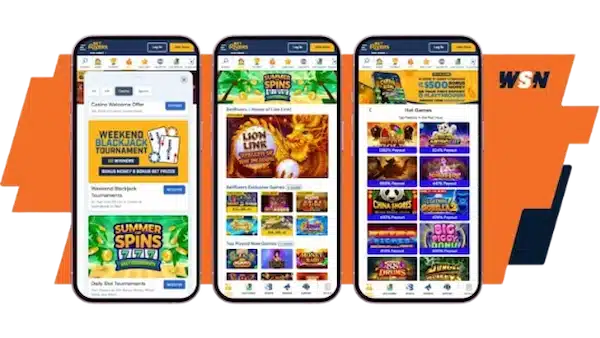
🔰 Step 1: Open Safari or whatever browser you usually use on your iPhone or iPad, then go to the official CV444 homepage.
🔰 Step 2: If the official app is available on the App Store, you can download it from there.
🔰 Step 3: If the app isn’t on the App Store, use the web app version instead. Tap the Share button (the arrow icon), then select “Add to Home Screen.” A CV444 shortcut icon will appear on your home screen.
🔰 Step 4: The CV444 icon will show up on your home screen. Log in to your betting account through the app.
Things to keep in mind when downloading the CV444 app
Doing it right and doing it fully when installing properly will help the app run smoothly and keep your account safe. Users should pay attention to a few technical and security points. Preparing thoroughly reduces the risk of system conflicts, fewer errors, and a smoother experience overall.
💥 Verify the official channel
Download the CV444 app through the official website. The app is not distributed through public app stores, so users may run into fake software when searching on unofficial sources. Check the domain name at least twice before you visit and install.
Fake versions often mimic branding elements to trick users. Downloading from unverified links can expose your login credentials or financial data. A strict verification process is key to managing digital risk.

💥 Prepare your device before installing
Before you start, make sure your device has enough storage space. Limited memory can interrupt the installation or affect how the app performs after it’s activated. Deleting unnecessary files will help the app install more stably.
System compatibility, the operating system, and the browser also matter. Having the latest firmware version reduces the risk of installation errors or operational issues. Good preparation helps keep the technical foundation stable on your mobile device.
💥 Troubleshooting installation and update issues
If the installation fails or freezes, go back and check each step in order. Configuration errors like missing access permissions are usually the main cause of interruptions. Checking your device’s security settings might help.
If you still can’t resolve the issue, contact CV444’s official support team through channels like Telegram or our hotline. Describe the error message or any unusual behavior accurately so the support staff can help resolve the problem quickly.
Features of the CV444 app
💦 Faster than the web version. App loading time is about 3 times quicker.
💦 Real-time push notifications for promotions, gifts, and betting results.
💦 User-friendly interface, optimized for touchscreens.
💦 Specifically optimized for the app, so it runs stronger than the web version and uses less battery.
💦 Biometric login on iOS, including Face ID and Touch ID. Fingerprint support on Android.
💦 The CV444 app ensures convenience, high security, and outstanding performance.